
Workout notes
Take notes to remember how your workout felt and what to change next time.
What workout notes are for
Use a workout note for the workout as a whole, such as how you felt or what affected your performance.
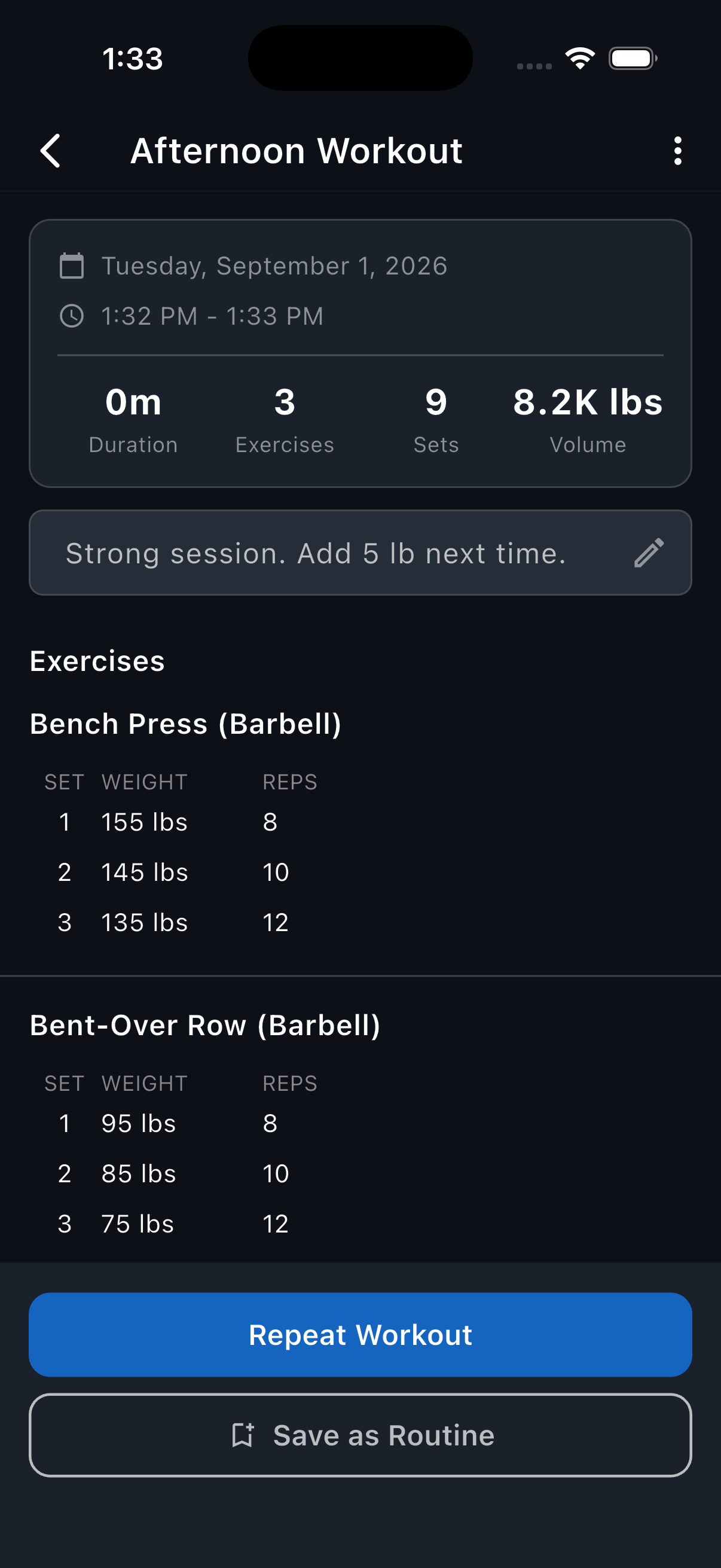
Reps saves the note with the completed workout in History. It isn't added to a repeated workout or a routine.
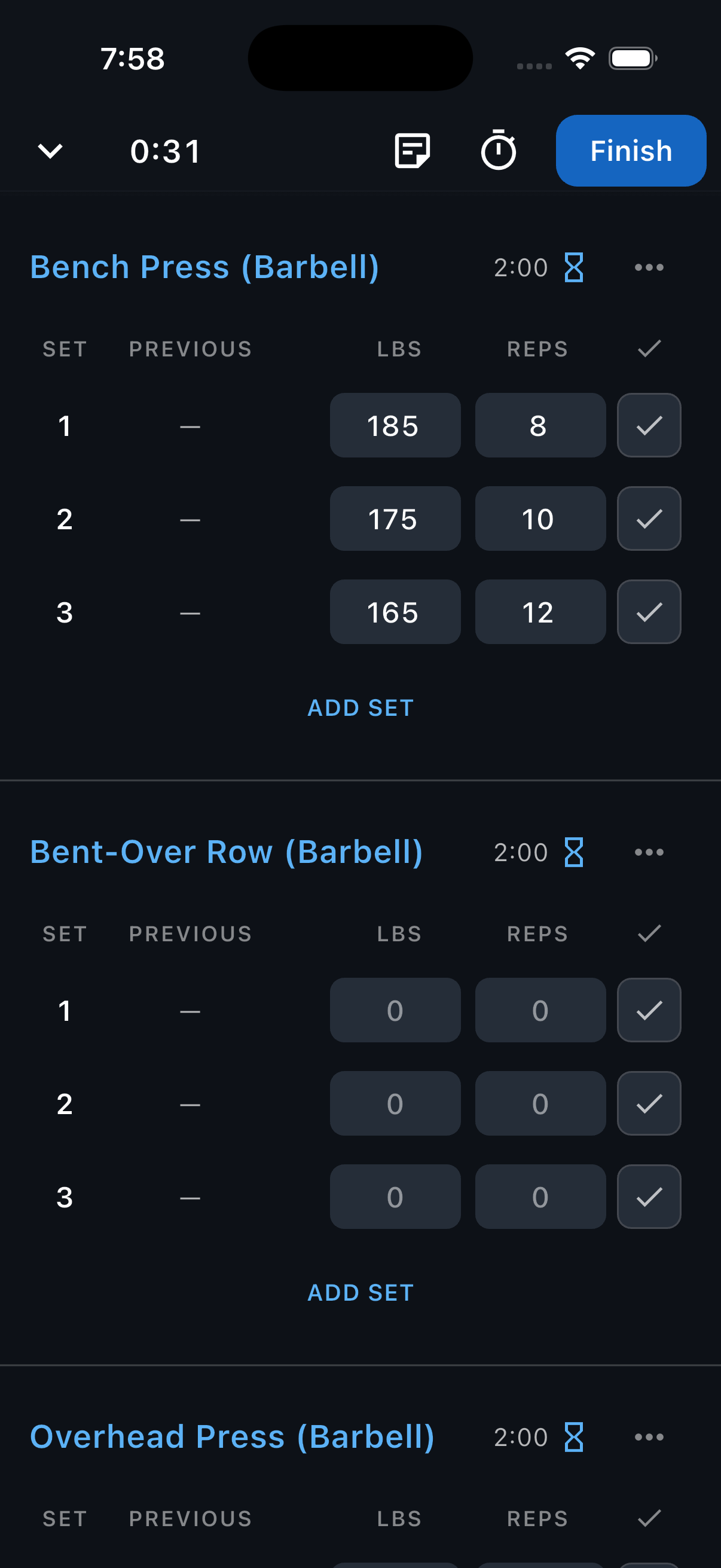
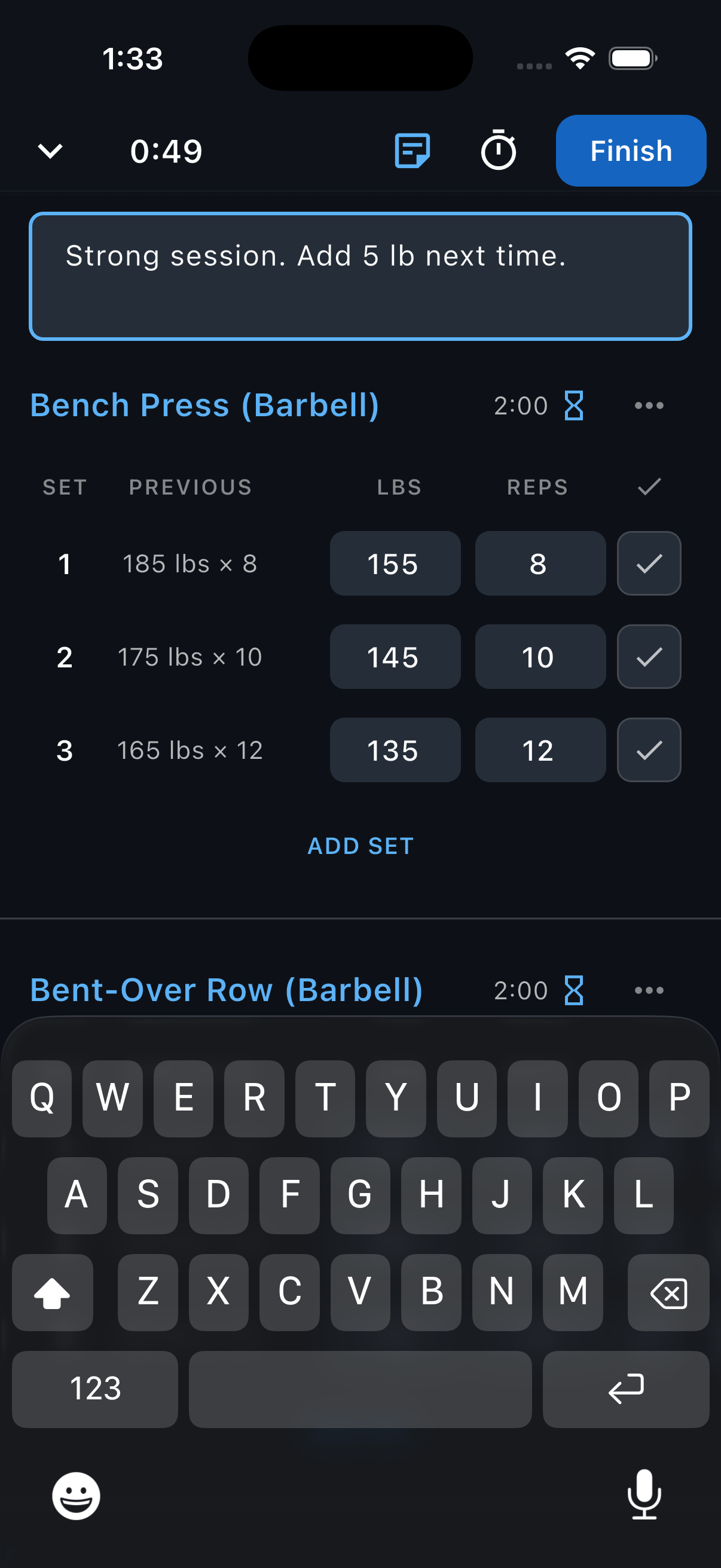
Add a note during a workout
During a workout, tap the note icon at the top of the screen.
Enter your workout note.
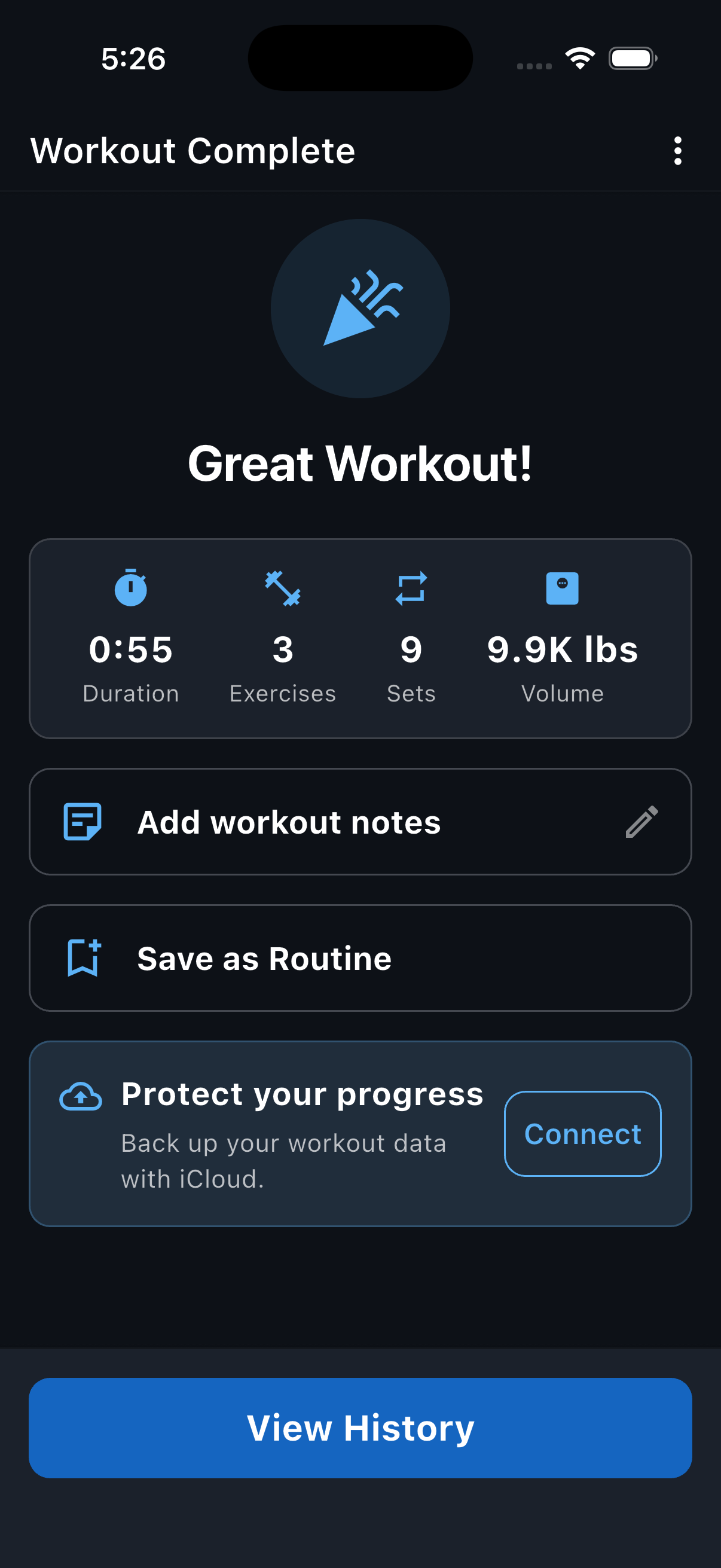
Add or edit a note after a workout
On the Workout Complete screen, tap Add workout notes to add one, or tap your workout note to make changes.
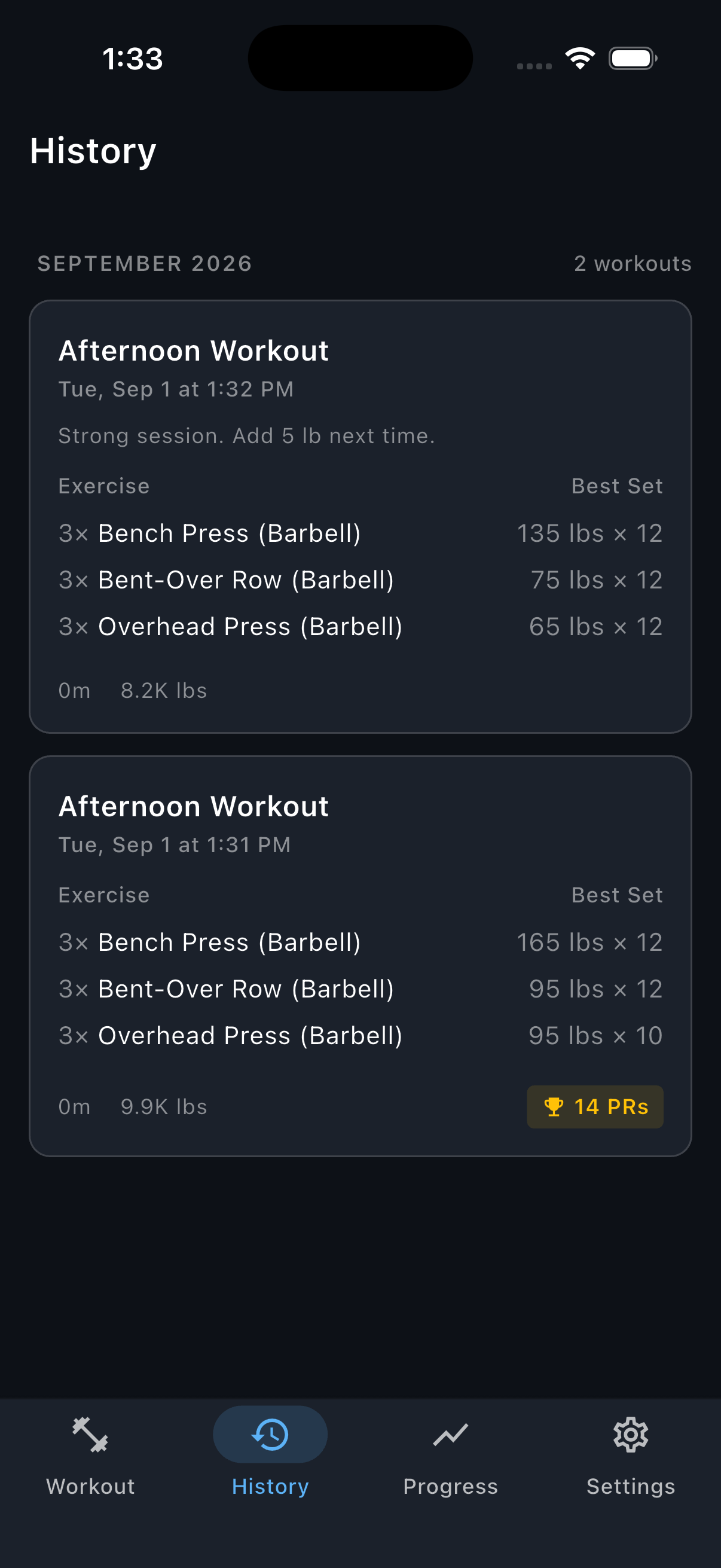
Find or edit a note in History
Tap History. A workout note preview appears on the workout card.
Tap the workout.
Tap the workout note to edit it. If there isn't one yet, tap Add workout notes.
Still need help? Email support@trackreps.com.